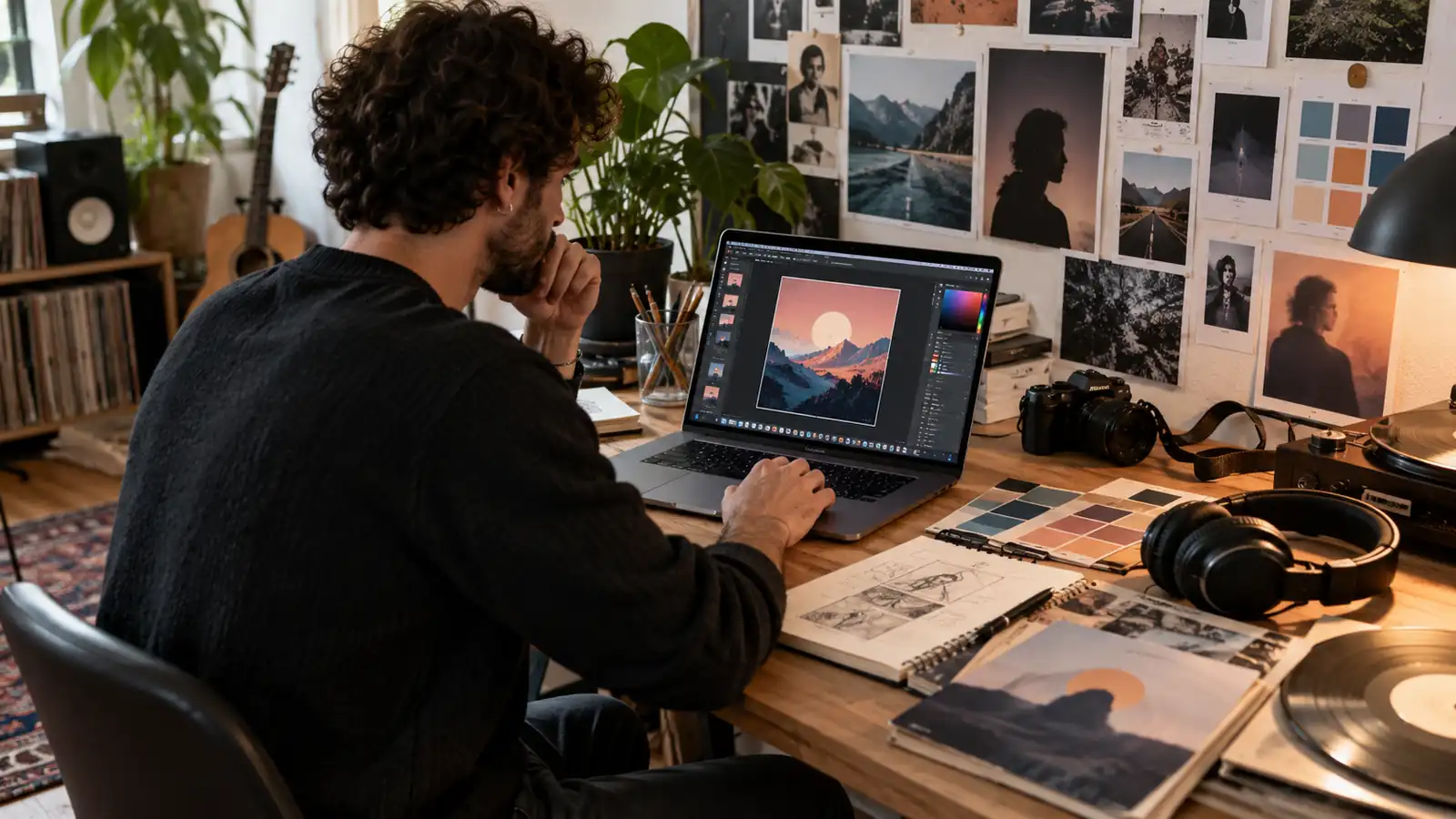
Album cover: what role does it play in a music release?
An album cover immediately gives the project a visual identity. It can reflect the artist’s universe, create continuity with previous releases, or, on the contrary, signal a new chapter.
Its use goes far beyond the traditional album. A single released on streaming platforms also has its own artwork, and the same applies to an EP. The term “cover” is therefore still used even though, in digital distribution, it is essentially a square image associated with the release.
An artist who releases music regularly can also use their different covers as a visual series. A typeface, a color palette, a photographic composition, or a recurring graphic element can make it easier for listeners to recognize the artist’s universe when discovering a new track. This consistency can also strengthen music promotion by giving each release an immediately recognizable identity.
Create an album cover: where should you start?
It is better to start with the idea rather than the software before you create an album cover. A photo, an illustration, a portrait, a symbol, or a typographic composition can all work as long as the result genuinely matches the music project.
Cover art intended for streaming should above all remain understandable at a small size. A composition containing fifteen elements, several lines of text, and tiny details may look impressive in full screen but become completely unreadable in a Spotify playlist.
The release title and artist name do not necessarily have to appear on the image. A photograph or illustration on its own can work perfectly as cover art. If text is used, it is better for it to remain large and contrasted enough to retain its impact when the image is reduced.
Another important point is the originality of the visual. A photograph found on Google or an image for which the artist does not own the rights does not become freely usable simply because it has been edited or cropped. The necessary rights must therefore be held for the elements used to create the cover.
Album cover size: what dimensions should you use?
When preparing a digital release, 3,000 × 3,000 pixels is currently an excellent working size for a square album cover. It provides enough definition for the main digital uses while keeping the image clean across the different streaming services.
The width-to-height ratio must be 1:1. In other words, cover art that is 3,000 pixels wide must also be 3,000 pixels high.
An image taken from social media and then artificially enlarged is not a good solution. The file may technically reach 3,000 × 3,000 pixels while still looking blurry or heavily compressed. It is better to create the original image directly at a sufficient resolution.
To maintain a margin of safety during distribution, a simple rule can therefore be used:
3,000 × 3,000 px, square, sharp image, with no artificial enlargement.
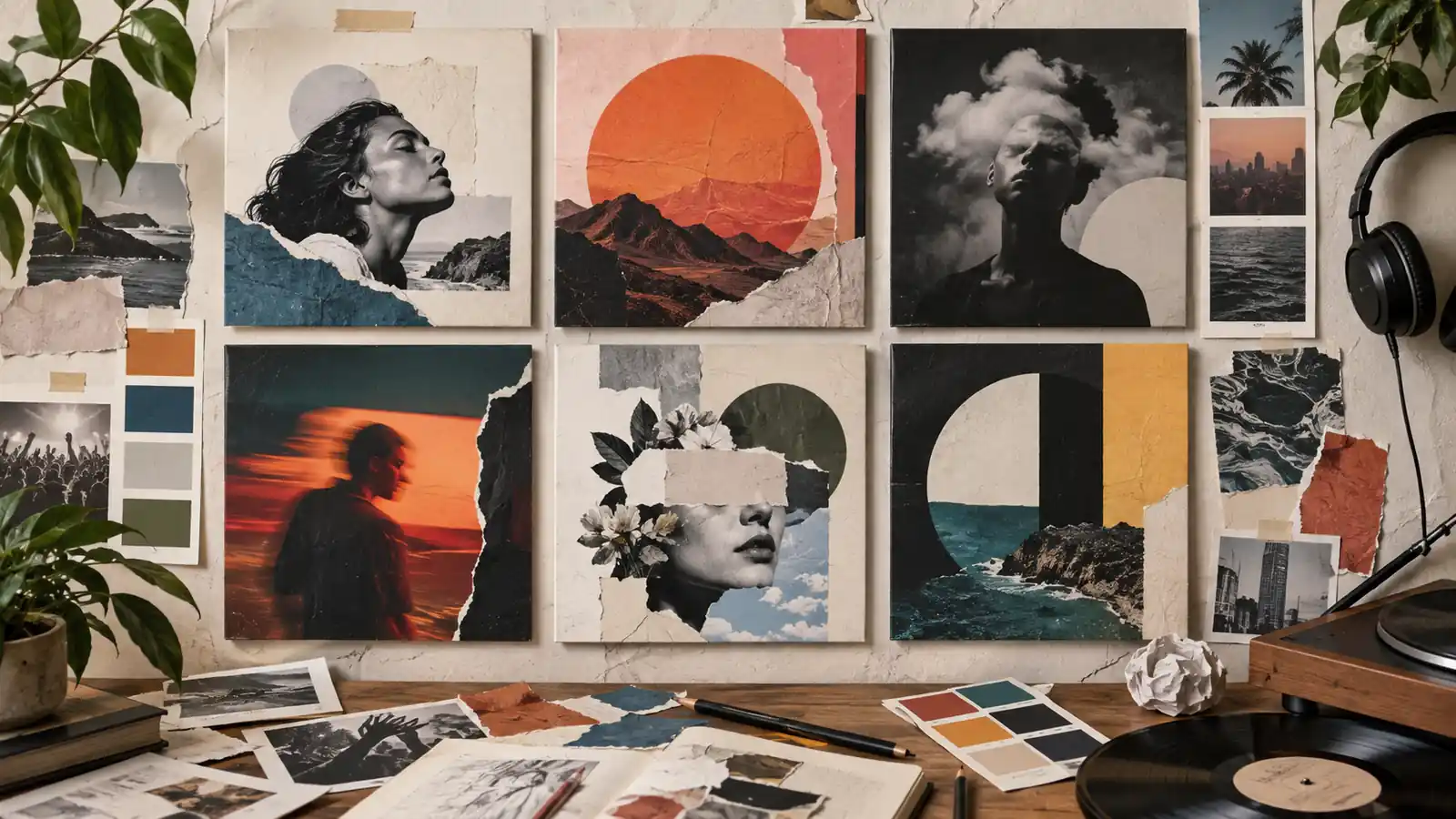
Album cover format: JPG, PNG, and image quality
A high-quality JPG file is generally the simplest choice for cover art intended for platforms, and this album cover format is suitable for digital distribution.
PNG can be useful during the graphic design process, especially when the image contains elements created in design software, but the formats actually accepted when submitting the release must be taken into account. An extremely large file does not necessarily provide better visible quality once the cover is displayed in a music app.
The image must use RGB colors, which are suited to screen display. CMYK is mainly used for printing and is therefore not the natural choice for cover art intended exclusively for digital platforms.
A final check at 100% zoom makes it possible to quickly identify problems: JPEG artifacts, poorly cut-out edges, blurry text, or a photograph with insufficient resolution.
Album cover: what elements should you avoid before distribution?
The cover accompanies the release across different platforms, so it should not be designed as an advertisement for a particular service. Mentions such as a price, a promotion, a website URL, or a callout such as “available now on Spotify” should be avoided. The same image is intended to appear on several services: displaying the logo or commercial name of one platform on competing platforms would be inconsistent.
Care must also be taken with information shown on the visual when it does not match the release metadata. If a cover displays an artist name or a title that is completely different from those entered during distribution, it can create an inconsistency.
Protected elements are another point requiring attention: brand logos, characters, photographs, graphic works, or images belonging to a third party must not be used without the necessary rights.
Music album cover: should the artist name and title be displayed?
No. Music album cover art can work perfectly well without any text. Many covers rely solely on a photograph, illustration, or symbol. The artist name and title are displayed separately in the platform interface, making it possible to keep the cover very minimal.
When an artist chooses to include this information on the image, it must obviously be correct. A spelling difference between the name shown on the cover and the metadata entered during distribution can cause problems and, in any case, gives an unprofessional impression.
The choice should therefore be graphic before being administrative: does the text genuinely add something to the cover? If it merely repeats what Spotify or Apple Music displays right next to it, it is not essential.
Cover art: designing an image that works at a small size
In a playlist, cover art is rarely discovered in full screen. It may appear as a tiny thumbnail surrounded by dozens of other tracks.
There is a very simple test: reduce the design to about the size of an icon on your screen. If the main element becomes impossible to identify, the composition is probably too complex.
This does not mean that every cover has to be minimalist. A detailed photograph can work if it has a clear focal point. A complex illustration can remain recognizable thanks to its silhouette or contrast. The goal is not to simplify systematically, but to preserve an immediately recognizable identity.
This constraint can even guide the design: a close-up rather than an extremely wide shot, a few words rather than a paragraph, and one strong central element rather than a multitude of small objects.
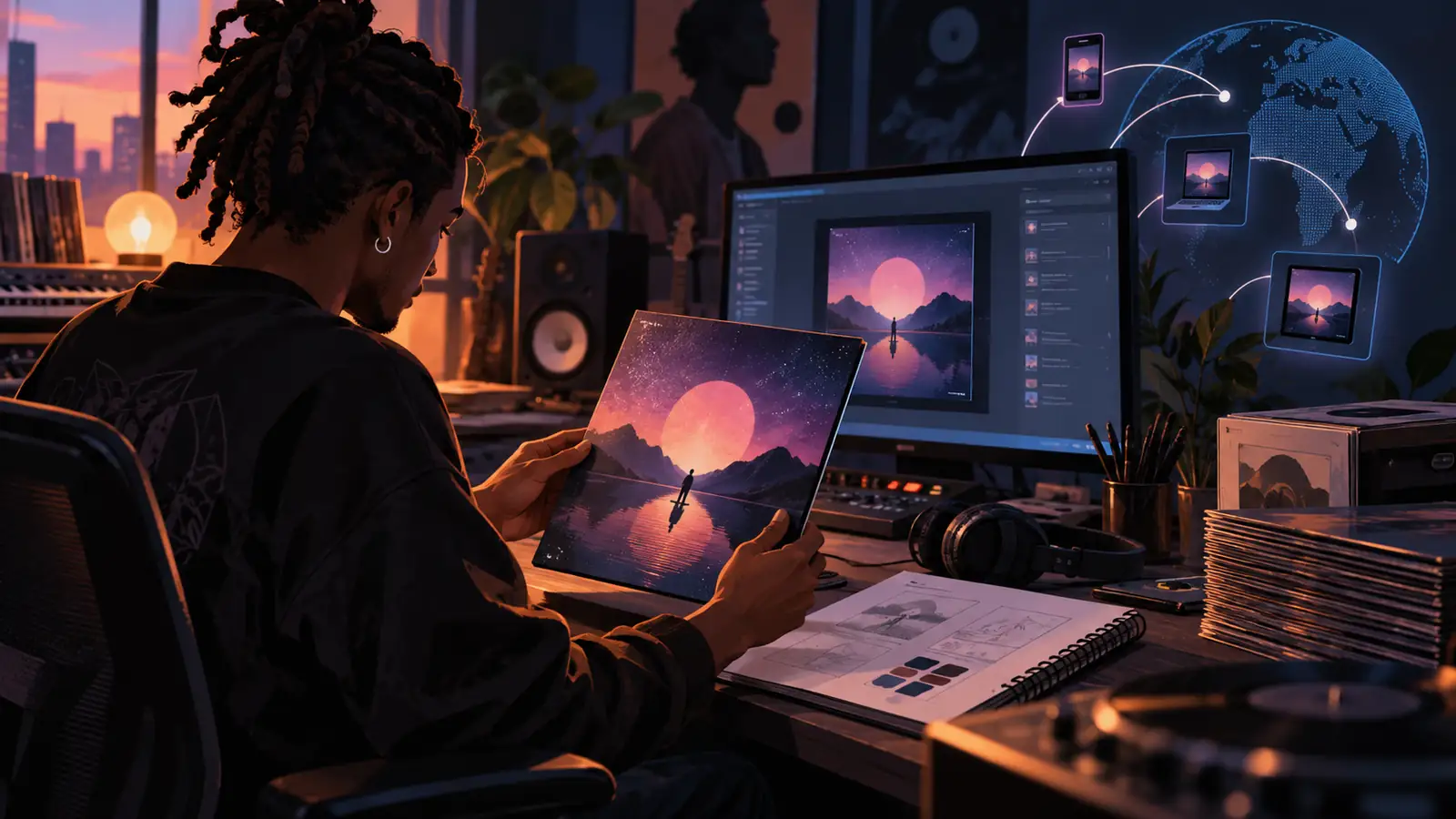
Create an album cover for free
You no longer need to master Photoshop to create an album cover for free. Graphic design tools such as Canva or Adobe Express still make it possible to start with a square format, add a photo, text, or graphic elements, and quickly export cover art ready to be refined.
Generative AI has also changed the way album covers are designed. Tools such as ChatGPT can now create a visual directly from a description: mood, photographic style, colors, composition, lighting, setting, or type of character. It is then possible to request several variations, modify only part of the image, or adapt the result to the square format required for a music release.
Claude or other AI assistants can also be used to build the visual concept, find an artistic direction, write a precise prompt, or develop several ideas before moving on to generation in a compatible image tool.
This approach makes it possible to go much further than a simple predesigned template. An artist can, for example, request a fictional photograph inspired by a nighttime atmosphere, an abstract illustration matching the track title, or several graphic directions based on their musical universe, then gradually refine the one that works best.
Canva templates remain practical for working quickly, but when they are used almost unchanged, they can produce very generic covers. Whether using a template or an AI-generated image, the most important thing is therefore to personalize the visual enough for it to become identifiable with the artist and the project.
For a more ambitious release, a graphic designer or photographer obviously remains valuable, especially for building a consistent visual identity across several singles or a full album. But for a first release, the tools currently available already make it possible to produce highly polished cover art for free without advanced design skills.
Single cover: the same rules as for an album?
A single cover generally follows the same technical requirements as an album cover. The fact that the release contains only one track does not justify preparing a smaller image or using a different ratio.
However, the artistic approach may be different. An album brings several tracks together within a broader project, while a single can have its own identity. Some artists therefore create a series of related covers for several singles that will later become part of an EP or album.
You simply need to think about this organization in advance. If three singles are intended to gradually introduce the same project, their covers can share enough graphic elements for the connection to be immediately visible.
Our guide dedicated to choosing between a single, EP, or album can help you prepare this release strategy.
Spotify, Apple Music, and Deezer cover art: do you need to create several images?
In most cases, no, because the principle of music distribution is precisely to prepare one album cover compatible with all platforms, then send it along with the other elements of the release.
There is therefore no need to create a “Spotify” version, a “Deezer” version, and another one for Apple Music. Good square cover art, with sufficient definition and compliant with distribution requirements, can accompany the same release across the different services.
This is also why you should not include the Spotify logo or a platform-specific mention directly in the visual.
A single graphic identity therefore accompanies the track wherever the listener finds it.
Preparing your album cover before distributing your music
The cover is one of the elements that must be prepared before submitting a single, EP, or album. Just like the final audio file, artist names, title, songwriters, and other metadata, it must be ready when the release is created.
Before submission, a quick check helps avoid most problems:
- square image;
- sufficient resolution;
- sharp file;
- no element used without authorization;
- no logo or promotion for a platform;
- consistency between the visible information and the release information.
Once these elements are ready, the track can be sent to the different platforms using a music distributor.
Distribute an album, EP, or single with Dibsteur
Dibsteur allows you to distribute a release to Spotify, Apple Music, Deezer, and other partner platforms from a single space.
The cover is added when preparing the release along with the audio master and the information associated with the track. Once the project has been submitted, the different elements are used to create the listing that will appear on the streaming services.
For an artist planning several releases throughout the year, keeping source files and clearly organizing the different covers also helps maintain a consistent visual identity across the entire catalog.