Deezer for Creators, Deezer for Artists and Deezer Backstage
Deezer for Creators is the service's current name, while Deezer for Artists remains a term used to search for the artist space, but it does not refer to a second tool to create or connect.
The former name Deezer Backstage still appears in some guides. In 2021, Deezer launched Deezer for Creators as an extension of its tools for artists and podcasters. To access the space dedicated to your music today, visit Deezer for Creators.
This space comes into play after distribution: it is not used to upload an audio file directly to release a single. If your music is not yet available, start by putting your music on Deezer with Dibsteur, then request access to the artist page associated with your release.
How do you claim your Deezer artist profile?
To claim your Deezer artist profile, you must have at least one track available on the platform. Prepare your artist page URL and the UPC code of an already published release on which you are listed as the primary artist.
The UPC identifies the release used to verify your request; it should not be confused with the ISRC code, which identifies a recording, or with your Deezer artist page ID.
- Open Deezer for Creators on the web and choose Sign up.
- Select the Artist role, enter your name and email address, then create your account.
- Activate it from the email you receive and set your password.
- Log in and submit a request for access to your artist page.
- Search for your name or enter your Deezer artist ID, then provide the UPC of the relevant release.
- Add the information and social profiles useful for verification, then submit the request.
The artist ID is the number at the end of your Deezer page URL. Use it if searching by name does not clearly identify your profile, particularly when artists share the same name; the request remains subject to Deezer's approval.
If your page is incorrect or the request fails
Before claiming a page, check that the tracks displayed are yours. If your music is mixed with another artist's, request a correction from Deezer for Creators support, providing links to the relevant pages and releases.
A rejected UPC may, for example, correspond to a release that is not yet available or a project on which you are not listed as the primary artist. Check these details with your distributor; if page access has already been assigned to someone else, contact Deezer support to clarify the situation.
Customize your artist page with Deezer for Creators
From the Artist profile section on a computer, you can edit your Deezer artist profile photo, biography and social media links. The artist message also lets you display a short update: its length is limited to 120 characters and messages older than six months are removed.
The Highlight feature is used to feature content, such as an album or playlist, with date range and country settings. Its display has an important limitation: Deezer specifies that this highlight appears when the artist's latest release is more than a month old.
Choose a recognizable photo and a biography that truly presents your project, then check that your social links lead to the right accounts. An announcement for a past concert or text about an old single deserves an update so your page remains consistent with what you present elsewhere.
Deezer analytics: track your songs and understand your audience
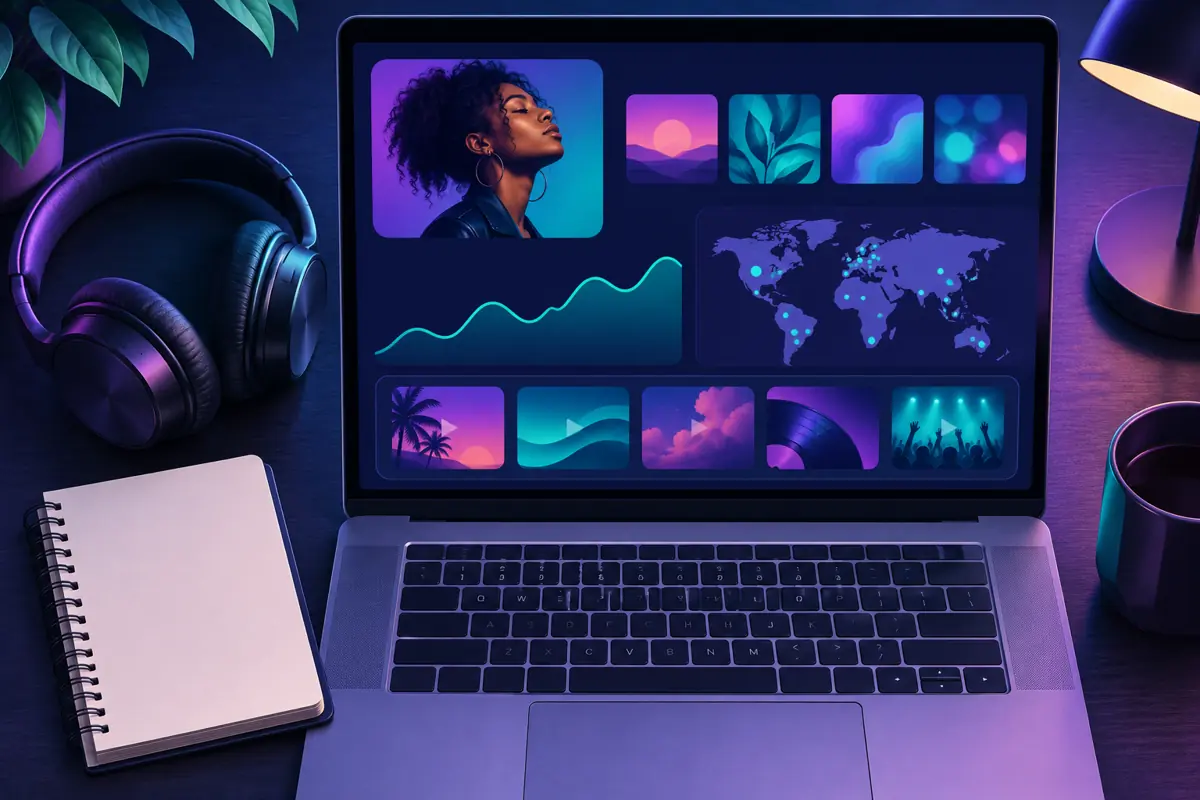
Deezer statistics are gathered in the Analytics section of Deezer for Creators, where you can examine a track, an album or your activity as an artist and filter results by date range or country, as well as by listeners' access type, subscription or ad-supported.
The available data includes streams, unique listeners, the main playlists where your music is heard and audience information, such as age, gender and devices used. At the artist level, Fandom analysis also distinguishes several levels of engagement, from casual listeners to superfans.
A stream count and a listener count do not answer the same question: several streams can come from a single person. To assess a release, therefore, look at both how many people it reaches and how its streams change, comparing periods of equal length.
The geographic breakdown can help you choose which territories to focus on in your communications; if an increase appears after a social media post, compare the relevant dates and countries, without treating that coincidence as proof that the post caused all the new streams.
Statistics are generally updated daily around midnight UTC. The web version offers a more complete view, while mobile data focuses on the selected albums. A blank mobile screen may therefore require choosing another album with data rather than concluding that there are no streams.
Deezer playlists: track your placements and understand pitching
Deezer for Creators statistics let you identify the main Deezer playlists associated with streams of your music. This tracking helps you understand the role playlists play in the discovery of your songs, rather than looking only at total streams.
The detailed Playlist Report is not available to every account
The Playlist Report is a separate feature, reserved for label and distributor profiles on the web that lets you view details including when a track was added, its position and related data, with filters by artist, playlist or country.
Do not confuse the playlist information in an artist's statistics with this professional report. The absence of the Playlist Report tab in your artist account does not mean your profile was claimed incorrectly.
Can you send a Deezer pitch from an artist account?
The Pitching Tool in Deezer for Creators is currently reserved for label and distributor accounts. Artists and managers do not have direct access with these roles; to prepare a Deezer pitch, contact your label or distributor to learn about the options offered for your release.
Deezer recommends delivering the music and sending the pitch at least seven days before release. The tool also accepts submissions up to fourteen days after publication, but this does not replace advance preparation. The submission requires details including the project's UPC, the featured track, its ISRC, the genre and the editorial teams being targeted.
Pitching a track does not guarantee its addition to a Deezer playlist. Prepare a precise description of the release and its campaign rather than a general request for visibility, and always distinguish delivering the track from presenting it to editorial teams.
Deezer promotion: share a release and extend its visibility
In the Deezer for Creators mobile app, select the relevant release and then use Share in the area announcing its availability. This sharing feature lets you communicate about your music without systematically creating a new visual from scratch; it is available to artist and manager accounts.
The sharing tool supports your Deezer promotion, but choosing the message remains essential, whether by sharing an excerpt and telling the story of what inspired the track or by thanking an editorial team when a placement has actually happened, in order to give people a reason to listen beyond simply announcing availability.
If your audience uses several services, you can also bring your destinations together in a SmartLink. Dibsteur plans include customizable SmartLinks; our guide to promoting your music explains how to incorporate this link into social media and other communication activities.
Deezer royalties and artist earnings: where can you track your income?
Deezer for Creators is primarily a profile and stream analysis tool; its statistics are not a statement of royalties to collect. To find out the Deezer earnings associated with your releases, consult the financial reports provided as part of your distribution.
If you distribute your projects with Dibsteur, the related income appears in your Dibsteur space; financial tracking complements the audience analysis in Deezer for Creators, but a total stream count is not enough to determine the amount actually received. Our article on music royalties explains this difference in detail.
Practical questions about Deezer for Creators and Dibsteur
Can I use my Dibsteur credentials to log in to Deezer for Creators?
You log in with the account created with Deezer for Creators. Use the email address and password for that space; logging in to Dibsteur does not replace requesting access and having it approved by Deezer.
Do you need to redistribute a track already online to claim your Deezer page?
No, claiming a page relies on an already available release and its identifying information. If the track is published on the correct artist page, use its UPC to request access, without creating a second release solely for this process.
Can Dibsteur approve my request for access to Deezer for Creators?
The access decision belongs to Deezer. For an error in the information for a release distributed with Dibsteur, contact Dibsteur support; for difficulty getting your access to Deezer for Creators approved, contact Deezer support.