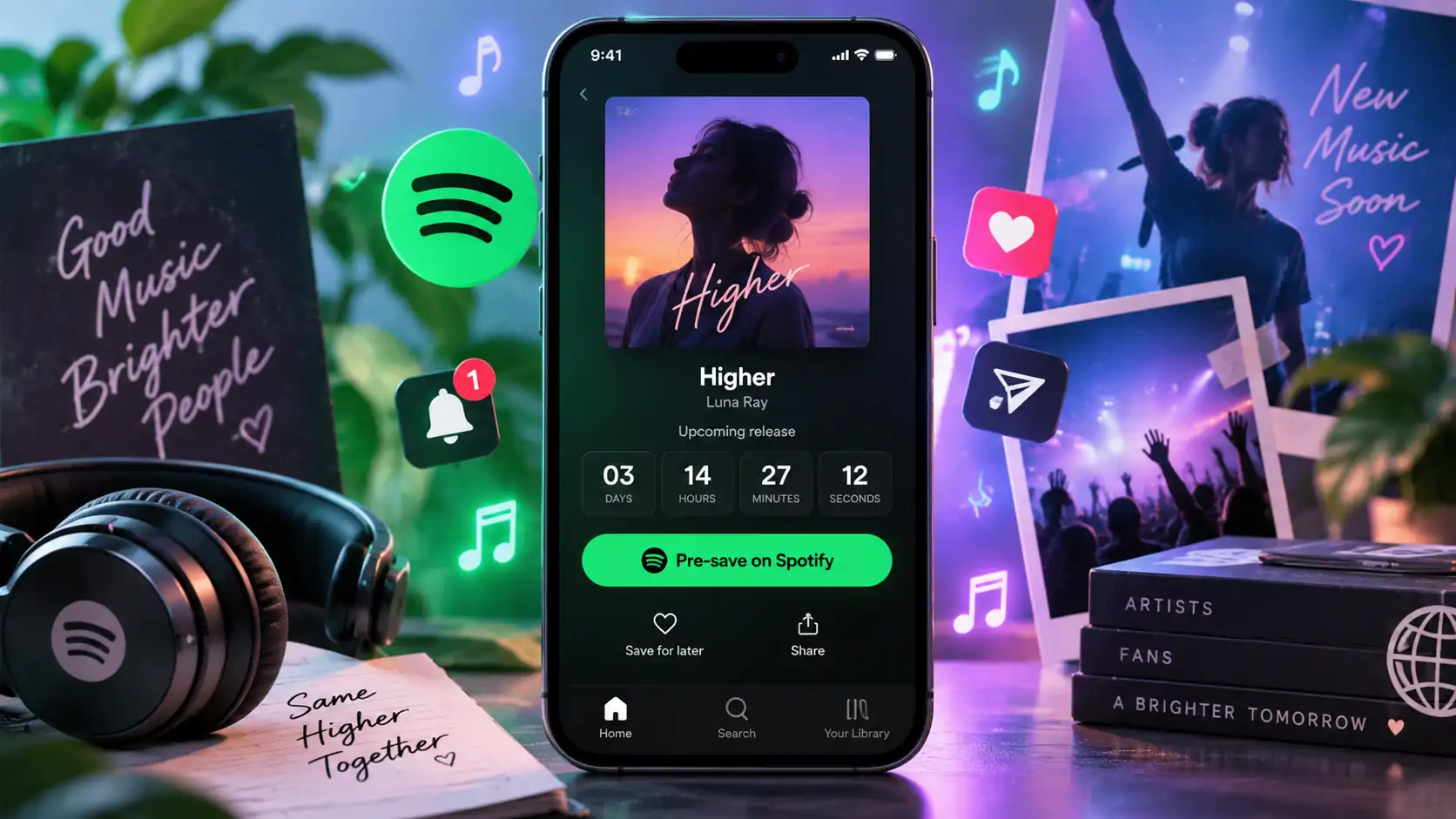
Presave: definition and how it works
A presave is the streaming equivalent of reserving something before release. The listener cannot listen to the song yet, but they indicate that they want to find it automatically when it is released.
The logic is different from a simple reminder because when a presave is confirmed, the service used can ask Spotify to add the release to the user’s library as soon as it goes live, subject to the permissions granted by the user.
For the artist, this mainly makes it possible to work on the period between the announcement and the release date. A campaign that begins ten days before release no longer needs to ask fans to remember a date: it can already generate a concrete action.
How do you set up a presave on Spotify?
The first step is to have a release already delivered to Spotify by a distributor. Until Spotify is aware of the upcoming song or album, it is generally not possible to generate a presave link that is correctly associated with that release.
Once delivery has been completed, some distributors and marketing tools allow you to create a presave page. This page contains a Spotify button that the listener can click before authorizing the future addition of the track to their library.
For artists eligible for Countdown Pages, Spotify offers another solution directly in Spotify for Artists. In 2026, this feature applies to new albums and EPs, but not singles, and the artist must also meet Spotify’s eligibility requirements.
A single therefore generally remains associated with an external presave campaign, while an album or EP may, in some cases, benefit from a campaign hosted directly on Spotify.
Create a Spotify presave link
A Spotify presave link generally takes the form of a shareable intermediary page. The artist shares a single URL and the listener then chooses Spotify or possibly another platform offered on the page.
This solution is convenient because you do not share a long technical Spotify URL. The page can include the cover art, artist name, release title, scheduled date, and a presave button.
Several tools specializing in SmartLinks and music marketing make it possible to create this type of page, and some distributors also include this function in their services.
Before sharing the link publicly, it is better to test it on both a phone and a computer: cover art display, Spotify login, presave confirmation, and correct redirect operation. Launching a campaign with a faulty link can result in losing some of the first interested fans.
Create a presave link before release
To create a presave link, it is best to wait until the release has already been sent to the platforms and correctly recognized by the service that will generate the link.
Once the page has been created, it can become the main entry point for the campaign before release. The same link can be used in Instagram, TikTok, and YouTube posts, newsletters, ads, or content announcing the release.
It is preferable to associate it with specific content: a cover art announcement, video clip, teaser, studio content, or release date reveal. The presave then becomes a common destination for all communication leading up to the release, rather than an isolated link shared only once.
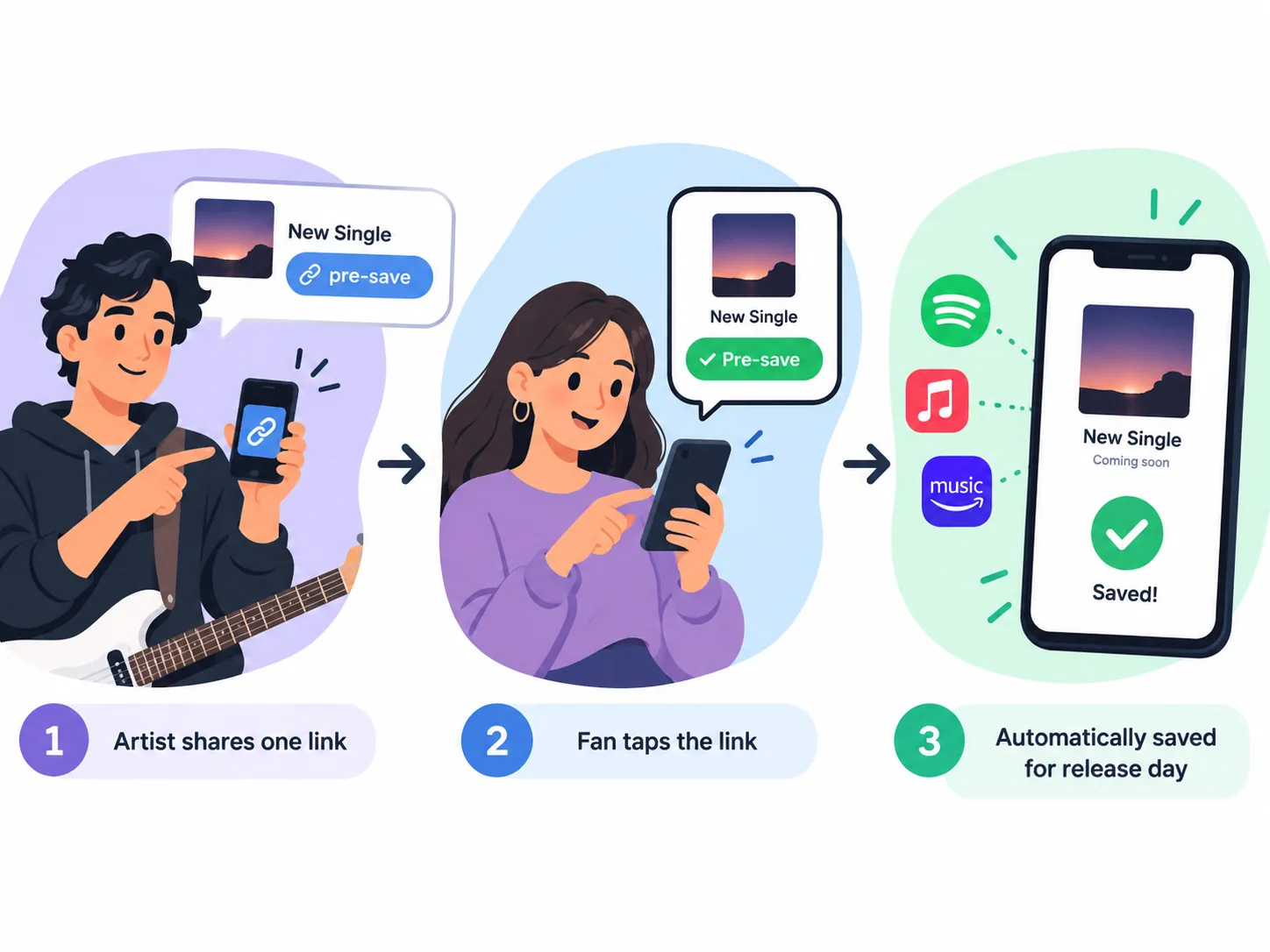
Free Spotify presave: is it possible?
There are solutions that allow you to create a free Spotify presave, but the features vary depending on the service. A free plan may be enough for a simple campaign, while some advanced options, such as full page customization, detailed statistics, or the use of a custom domain, may require payment.
Spotify does not charge listeners to presave a release, so the question of cost mainly concerns the tool used by the artist to create and manage the campaign.
The main thing to look at is what the service asks fans to do when they log in. A process that is too long or requires an excessive number of permissions can reduce the number of people who complete it.
Spotify album presave: preparing an album or EP
For a Spotify album presave, Countdown Pages have become particularly useful because they make it possible to create a real pre-release page directly within Spotify.
In 2026, a Countdown Page can display the upcoming album or EP, its tracklist, countdown videos, and potentially merchandise. Listeners can save the release before it is published and then find it automatically in their library on the day it goes live.
Spotify also states that fans who have presaved receive a notification when the release comes out.
However, this feature is not available for all releases. New original albums and EPs are eligible under certain conditions, while singles, reissues, compilations, and several other types of projects are not.
To organize the release itself, the choice between a single, EP, or album must therefore be considered before the presave campaign even begins.

When should you launch a Spotify presave before release?
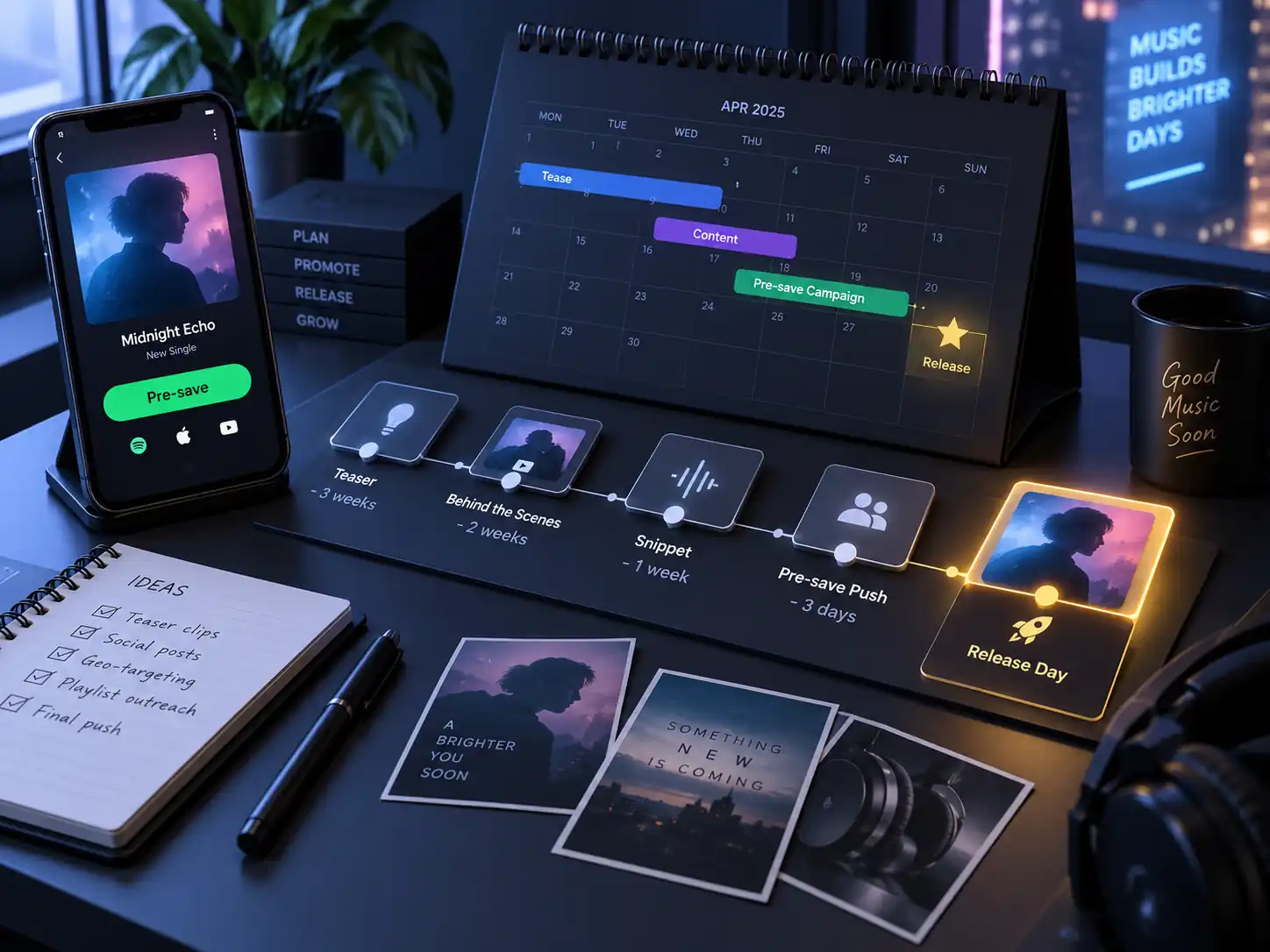
The right time depends on the importance of the project and the planned duration of its promotion. A few days may be enough for a release announced quickly, while an album, EP, or larger campaign can be prepared several weeks in advance.
However, it is not necessarily useful to launch a presave several months before a single if no communication is planned during that period. The campaign duration should remain consistent with the content and promotional actions actually planned before release.
The release date should also be sufficiently secured before communication begins on a large scale. The master, cover art, metadata, and distribution should ideally be finalized in order to limit the risk of having to change a date that has already been announced.
The presave can therefore be launched as soon as the release is sufficiently advanced and the communication campaign is ready to begin.
Apple Music presave and Deezer presave
The presave principle is not necessarily limited to Spotify. Some tools allow you to offer an Apple Music presave or Deezer presave on the same page.
The benefit is obvious: not all of an artist’s fans use Spotify. A campaign that sends users exclusively to Spotify can exclude part of the audience even though the release will be available on several platforms.
A multi-platform page therefore makes it possible to keep a single communication strategy while allowing each person to choose their preferred service.
This follows the same logic as distribution across multiple music platforms: the launch campaign can also avoid depending on a single service.
This follows the same logic as distribution across multiple music platforms: the launch campaign can also avoid depending on a single service. Dibsteur allows you to distribute your music on Spotify, Apple Music, Deezer, and other partner platforms from a single space.
Presaves in a music promotion strategy
The number of presaves does not increase simply because a link exists; you need to give people a reason to click.
A clip of the chorus posted on TikTok, a video shot in the studio, a featured artist announcement, or the reveal of the cover art can all link to the same page. Each piece of content then supports the campaign without requiring the artist to explain again where to find the release.
The presave period is also a good time to test which content actually attracts attention. If one video generates far more clicks than another, it can provide useful indications for the communication that follows the release.
The presave therefore fits naturally into a broader music promotion strategy, but it does not replace it.
The difference between a presave link and a SmartLink
A presave link is intended for a release that is not yet available, while a standard SmartLink becomes especially useful once the song has been released: it brings together links to Spotify, Apple Music, Deezer, and other services on a single page.
The two tools can therefore be used one after the other.
Before release:
presave → save the upcoming song
After release:
SmartLink → choose the platform on which to listen to it
Some services keep the same URL and automatically turn the presave page into a SmartLink when the song is released. This is particularly convenient when the link has already been shared in videos, posts, newsletters, or articles.