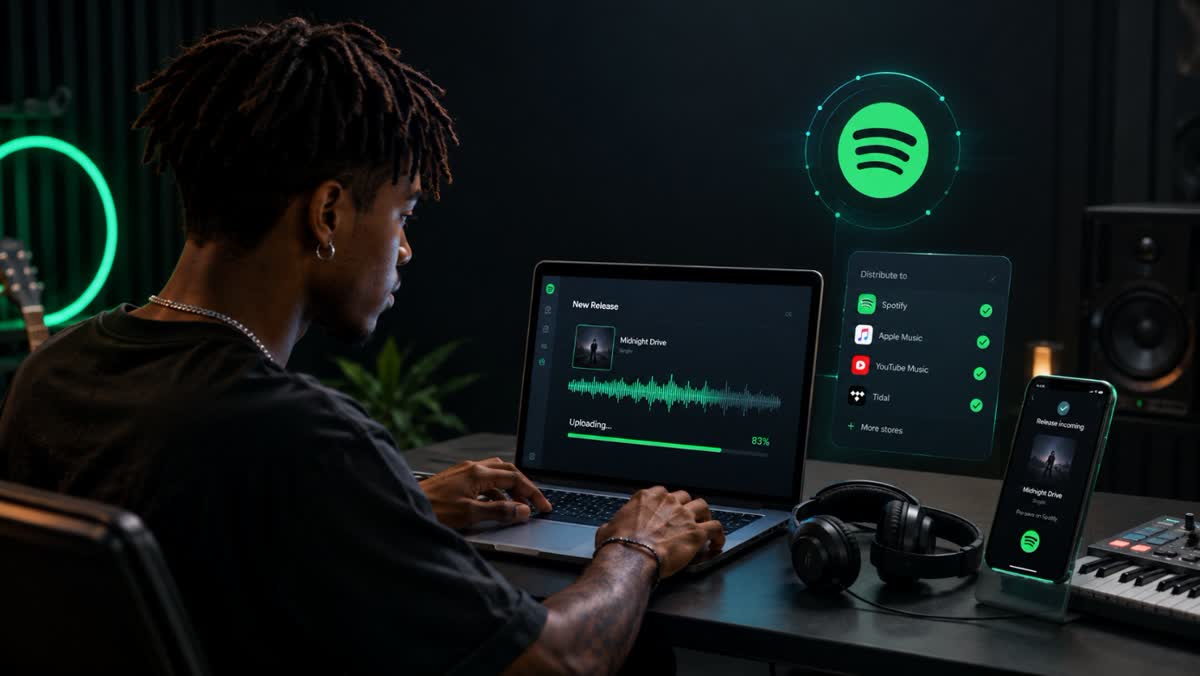
Can You Publish Your Music Directly on Spotify?
A standard Spotify account allows you to listen to music, create playlists, and follow artists, but it does not allow you to officially publish a track in the platform’s catalog.
Spotify for Artists does not replace a distributor either. This tool is primarily used to manage an artist profile, view streaming statistics, customize your presence on Spotify, and support the promotion of releases. The music must first be delivered to Spotify by a distributor or a label. To understand Spotify royalties, you can then track the revenue generated by streams.
It is therefore important to distinguish between three services:
- Spotify is the platform where listeners stream tracks.
- A music distributor, such as Dibsteur, delivers the tracks and release data to Spotify.
- Spotify for Artists then allows the artist to manage their profile and track their audience.
An independent artist does not need to be signed to a label to access these services. Artists can choose their own distributor and release music under their own name.
The Steps to Get Your Music on Spotify
Releasing a track involves several steps. Planning for them in advance helps limit errors, correction requests, and delays when the music is released.
Choose a Music Distributor
The first step is to select a music distribution platform suited to your project.
Not all distributors operate in the same way. Some offer an annual subscription, while others charge for each release or take a commission from the revenue generated. Differences may also relate to the number of artists allowed, the platforms available, royalty management, statistics, or additional services.
Before making a choice, you should therefore consider how the entire offer works, rather than looking only at the advertised price. A solution suited to an artist releasing a first single will not necessarily meet the needs of a label managing multiple catalogs.
Dibsteur offers a plan intended for independent artists and another designed for labels and managers who need to manage multiple artists.
Prepare the Audio File
The audio file must be the final version of the track. Mixing and mastering must therefore be completed before it is sent to the distributor.
It is best to keep a high-quality, uncompressed file. Spotify states that it prefers FLAC files for audio delivery and also accepts WAV files that comply with its specifications. The objective is to deliver the native stereo master in the highest quality available, without unnecessarily reducing the sample rate or bit depth.
With Dibsteur, the artist adds the audio file directly to the project they want to distribute. The platform centralizes the track and the release information before sending them to Spotify and the other selected services. However, it remains essential to submit a genuinely finalized version: the distributor handles delivery, but it does not replace mixing or online mastering.
Prepare the Cover Art
The cover art is an integral part of the release. It must be ready before distribution begins and must comply with platform requirements.
In particular, you should verify:
- the quality and dimensions of the image;
- the legibility of the artwork;
- the absence of misleading elements;
- consistency between the information displayed on the cover art and the project metadata;
- ownership of the necessary rights to the photograph, illustration, or graphic elements used.
When creating a release on Dibsteur, the cover art is added to the same project as the audio file and the track information. This makes it possible to bring together all the elements intended for the platforms in one place. Before submission, however, you must verify that the artwork matches the artist name, the release title, and the information entered in the project.
Noncompliant or inconsistent cover art may result in a correction request and delay publication on Spotify.
Enter the Metadata and Credits
Metadata allows platforms to identify the release correctly. It determines how the title, artist, and various contributors will appear on Spotify.
The requested information may include:
- the primary artist’s name;
- the title of the single, EP, or album;
- featured artists;
- songwriters and composers;
- producers and other contributors;
- the language of the track;
- the music genre;
- the release date;
- the possible presence of explicit lyrics;
- rights information.
Dibsteur allows these elements to be entered when preparing the project. The artist can therefore bring together the publication information, credits, and rights-related data before the release is delivered to the platforms.
This step requires particular attention because a spelling difference in an artist’s name may create a new profile or link the track to the wrong Spotify page. An error in the credits or rights information may also complicate management of the release after publication. Dibsteur provides the space needed to enter this data, but its accuracy remains the responsibility of the person preparing the project.
Verify the ISRC and UPC Codes
An ISRC code identifies a specific recording. A UPC or EAN code is generally used to identify an entire release, such as a single, EP, or album.
Dibsteur allows users to manage the ISRC and UPC codes associated with distributed projects. For a first release, these identifiers may be assigned as part of the distribution process, depending on the terms of the service. When a track has already been released through another distributor, it is important to reuse its original ISRC code.
This continuity helps Spotify and other platforms recognize that it is the same recording. It is particularly important when transferring a catalog, because using a new code could cause the track to appear as a separate new release.
Dibsteur’s plans also include the transfer of previously released projects. In this case, you should retain, as far as possible, the audio file, ISRC code, original release date, and main metadata from the previous version.
Choose the Release Date
The release date should not be selected at the last minute. Even when the distributor processes projects quickly, Spotify and other platforms need time to receive, review, and schedule the release.
In Dibsteur, the preferred date is included in the information entered when preparing the project. The platform can then deliver the release according to this schedule, provided that the submission is complete and sent early enough.
Allowing enough time also makes it possible to:
- review or claim the Spotify for Artists profile;
- prepare artwork and social media posts;
- send the track to media outlets or partners;
- organize a prerelease campaign;
- verify that the credits and information are displayed correctly.
Dibsteur advertises publication within seven days as part of its plans, but this does not mean that you should wait until the last minute. For an important release, it is still best to prepare the project several weeks in advance to allow time for corrections or additional requests.
Send the Project to the Platforms
Once the audio file, cover art, metadata, credits, and release date have been verified, the project can be submitted for distribution.
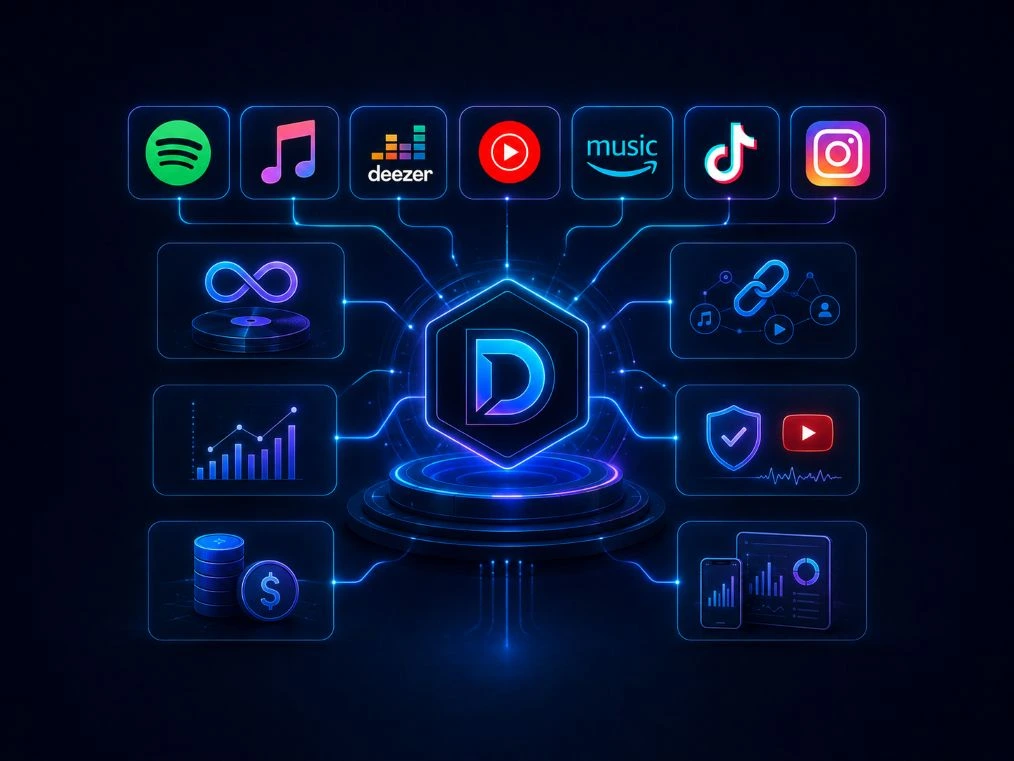
With Dibsteur, the artist prepares the release from one place and then selects the platforms to which the project should be delivered. Distribution may include Spotify, Apple Music, Deezer, Amazon Music, YouTube Music, TikTok, Instagram, and other partner services.
Dibsteur then acts as an intermediary between the artist and the platforms. However, the track does not necessarily become visible immediately, because each service must receive and process the files and associated information.
After submission, you must remain attentive to possible correction requests. Missing information, noncompliant cover art, or inconsistent metadata may temporarily prevent publication. When a change is required, the project must be corrected before its distribution can proceed normally.
Can You Upload Music to Spotify for Free?
The search query “how to upload music to Spotify for free” can refer to several different situations.
An artist may want to know whether Spotify directly charges for publication, whether a free distributor exists, or whether it is possible to release a track without any cost or commission.
In practice, music is delivered to Spotify through a distributor. The distributor’s business model therefore primarily determines the actual cost of publication.
Several models exist:
- an annual subscription;
- a payment for each single or album;
- a commission deducted from royalties;
- basic services with no upfront payment, accompanied by paid options;
- a plan combining a subscription and additional services.
A music distribution offer presented as free may operate by taking a commission from revenue, limiting services, or charging for optional features. You should therefore compare the overall model rather than considering only the absence of an upfront payment.
Dibsteur’s Sérénité and Label plans are paid plans, but they allow users to keep 100% of their net royalties. Distribution to Spotify, Deezer, Apple Music, and the other partner platforms is included in the subscription, with no separate payment to each platform and no commission deducted from these net royalties.
Choose a Plan to Distribute Your Music on Spotify
With Dibsteur, distribution to Spotify and other partner platforms is included in the plan you choose.
How Much Does It Cost to Put Music on Spotify?
The price depends on the distributor, the number of planned releases, and the level of service required.
An artist releasing several tracks during the year may prefer an annual subscription that includes unlimited releases. Someone who only wants to distribute one single may be attracted by a one-time payment, provided they verify future fees and the rules for keeping the music online.
You should also compare what is included:
- the number of tracks allowed;
- the number of artists managed;
- the distribution platforms;
- the share of royalties retained;
- the available statistics;
- revenue-splitting tools;
- the transfer of existing releases;
- technical support;
- services such as YouTube Content ID or SmartLinks.
Dibsteur’s Sérénité plan is intended for independent artists, while the Label plan allows users to manage multiple artists from one place. A custom solution is also available for projects that require more specific support.
How Long Does It Take for Music to Appear on Spotify?
The time required primarily depends on how well the release has been prepared. A complete project with correctly entered information can be delivered more easily than a submission containing missing or contradictory information.
Several time frames must be distinguished:
- the time required for the distributor to review the project;
- the delivery of the files and metadata;
- Spotify’s processing time;
- publication on the selected date.
It is therefore not advisable to submit a track the day before the desired release date. Even when a turnaround time of a few days is advertised, allowing extra time makes it possible to correct a potential problem without compromising the entire campaign.
For an important release, preparing several weeks in advance provides more time to set up the Spotify for Artists profile, communications, and promotional activities.
How Do You Track Your Streams and Royalties?
Spotify for Artists statistics and the data available in Dibsteur do not serve exactly the same purpose.
Spotify for Artists allows users to view audience activity on Spotify, including the number of listeners, streaming volume, changes in streams, audience location, and inclusion in certain playlists.
Dibsteur, for its part, centralizes detailed daily statistics and financial reports related to distributed tracks. Artists can therefore find the performance of their releases and the revenue reported by the various partner platforms in one place. The Sérénité and Label plans include these tracking tools.
However, revenue is not visible immediately after each stream. Spotify and the other platforms submit their reports according to their own schedules, which creates a delay between the date of the stream and the appearance of the financial data in the distributor’s system.
To properly analyze a release, it is therefore useful to compare:
- Spotify for Artists statistics;
- the daily statistics available in Dibsteur;
- financial reports;
- results from other platforms;
- promotional spending.
Spotify for Artists is therefore primarily used to understand the audience on Spotify, while Dibsteur makes it possible to track the broader performance and revenue of distributed tracks from one dashboard.
Can You Transfer Music That Is Already on Spotify?
Changing distributors does not necessarily require starting over. An existing release can be transferred, provided that the information from the previously published version is reproduced accurately.
In particular, you must retain:
- the same audio file;
- the same ISRC code;
- the same artist name;
- the same title;
- the original release date;
- the same main information;
- the same cover art when required for the transfer process.
The new distributor then delivers the project using these identifiers. Once the new delivery has been correctly linked to the previous version, the artist can arrange for the version delivered by the former distributor to be removed.
You should avoid removing the old release too early, because poor coordination may cause a temporary interruption in availability or result in two separate versions appearing.
Dibsteur’s distribution plans include the transfer of previously released projects.
How to Get Your Music on Spotify With Dibsteur
Dibsteur allows artists, labels, and managers to prepare their releases and deliver them to Spotify and more than 35 partner platforms.
From the same space, users can enter project information, manage their catalog, and track the data associated with published tracks.
The Sérénité plan is primarily intended for independent artists who want to distribute their music through an annual plan. The Label plan is designed for organizations that manage multiple artists and releases. For projects requiring specific terms or support, a custom plan may be considered.
Before you begin, prepare your final audio file, cover art, credits, and release date. You can then choose the plan that matches your project and begin distributing your music.
Compare Dibsteur Music Distribution Plans