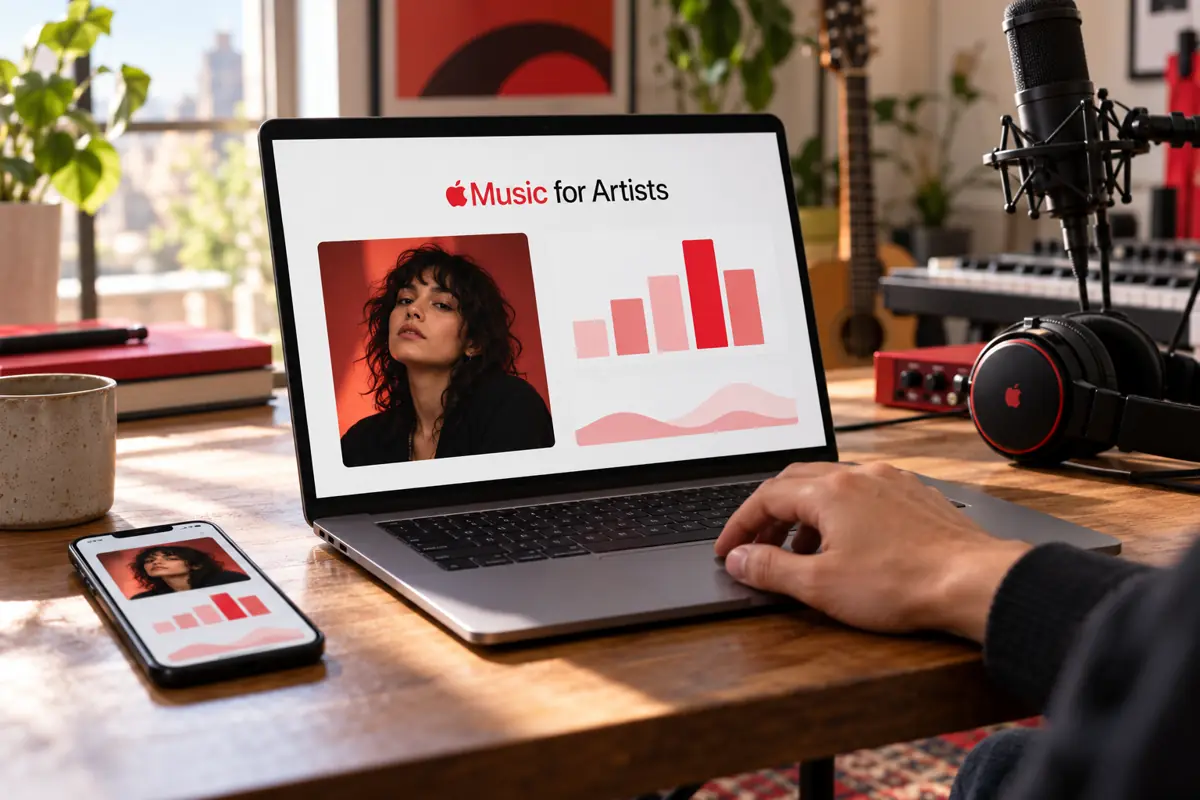
Access Apple Music for Artists after distribution
Your music must already be distributed on Apple Music before you can request access to your artist account and manage the associated profile. If you are preparing your first release, you can put your music on Apple Music with Dibsteur, then submit this request to Apple once your release has been available for at least five business days.
To claim your page, open Apple Music for Artists in your browser or the iOS app, then sign in with your Apple Account and follow the steps to request access.
- Choose Request Artist Access, then search for your page using its link or a release link.
- Check that it is the correct profile by selecting a release on which you are credited as the primary artist, as a featured artist credit alone is not enough to claim the page.
- Enter your role and the requested information; your website, social accounts, and the available connections to distribution accounts can help Apple verify your connection to the artist.
- Submit the request, then monitor its status and the messages received at your Apple Account email address.
The initial claim is reserved for the artist or their manager. Once the request has been submitted, the Pending status remains visible while it is being reviewed; if you have not received any news after more than ten business days, you can use the Apple Music for Artists support form by signing in with your Apple Account.
Customize your Apple Music artist profile
Your Apple Music artist profile settings are located under Artist Content, then Artist Page, where you can change the image, logo, and button color, choose content to highlight, and complete the information introducing your project.
Add a photo, a logo, and featured content

Before changing your artist photo, prepare a JPG or PNG file of at least 800 × 800 pixels, although Apple recommends 2,400 × 2,400 pixels or larger, without artificially enlarging a small image. Choose an image that represents your project, avoiding album covers, QR codes, and promotional messages, then upload it on the web through Image and Edit, adjust the crop, and submit it for approval.
Accounts with the Admin or Profile Editor role can submit this image, which goes through an approval process that can take up to five business days before it is updated on Apple Music and Shazam.
You can complete this presentation with your logo under Artist Logo and a button color selected in Button Color. To draw attention to a release, then use Spotlight, which lets you highlight an album, a music video, an artist playlist, or eligible Apple Music Radio content for the selected period, subject to Apple’s conditions, particularly your role as the primary artist on the release concerned.
Present your background and understand the limits of the biography
The profile information includes your place of origin or your band’s, as well as an introductory questionnaire in which you can talk about your music in your own words, with no guarantee that the answers will be published. Other fields, such as influences and collaborations, are used only to inform editorial teams and are not displayed publicly.
For a biography provided by Xperi, requests for additions or changes are made by email to apple.coverage.support@xperi.com, with the proposed text or requested corrections. This process is separate from the questionnaire available in Apple Music for Artists, as Xperi reviews requests according to its own criteria and does not guarantee publication.
Read your Apple Music statistics and understand your audience
In Measure, Apple Music statistics describe your tracks’ results through several metrics, each corresponding to an action by listeners, whether a play, a purchase, or the identification of a song.
| Metric | What it measures |
|---|
| Plays | Plays of more than 30 seconds on Apple Music. |
| Average Daily Listeners | The daily average of unique listeners over the selected period. |
| Purchases | Purchases of songs or albums on the iTunes Store. |
| Video Views | Music video views lasting more than 30 seconds. |
| Shazam Count | Identifications of your songs with Shazam. |
| Radio Spins | Detected plays on the terrestrial and digital radio stations monitored, separate from Apple Music Radio plays. |
The regular data is updated daily, with a 48-hour delay stated by Apple and periods displayed in Coordinated Universal Time, or UTC. To track activity in real time, use Listening Now instead, which shows listeners starting your music without including offline plays, provided their number reaches the privacy threshold required for display.
Compare tracks, periods, and territories
To analyze results in Trends, choose a period and the activity to observe before refining the data by song, album, editorial playlist, location, or demographic profile using the available filters, as playlist tracking here is limited to Apple Music editorial selections. Then compare plays and listeners to distinguish audience growth from an increase in plays from an existing audience.
The Places map shows the countries and cities where your music is being heard, as well as the tracks performing best there, which can help you prepare a local campaign or consider a concert. However, use a sufficiently representative period before making this decision, as a few isolated plays are not enough to establish that an audience has developed in a city.
Shazam data lets you see where people have tried to identify a track, with trends available in Trends and a geographic breakdown in Places, without an identification necessarily corresponding to a full play or a new Apple Music subscriber. If the figures differ from those shown in Shazam, this may also be due to the different processing systems used for the app and the artist dashboard.
To keep a record of your performance, select the period to analyze in the Music section, then use the CSV download available under See All. Financial tracking still needs to be viewed in the distributor’s statements, whose role is explained in our guide to music royalties.
Prepare and track your releases in Apple Music for Artists
Observe the first results with New Release Insights
On release day, open Measure, then Overview to view New Release Insights, which presents the first results for your album and its tracks, the most active territories, and a comparison with the first week of previous releases. This data can take up to eight hours to appear and may still be corrected after the final processing of plays.
To have this tracking available from launch, check with the content provider that your release is linked to the correct artist page at least ten days before its release date, as required by Apple, paying particular attention to this point if another artist uses the same name as you.
View your catalog and add lyrics
In Artist Content, you can view the songs, albums, and music videos associated with your role as the primary artist, including upcoming releases, along with their information. If you spot an error in a song’s title, its release date, or other metadata, send the correction request to your distributor.
Prepare your lyrics according to the lyrics formatting guidelines, separating the song’s sections with blank lines and writing repeated passages out in full. You can then add lyrics by selecting the song in Artist Content, then Add Lyrics, before pasting your text into Song Lyrics.
To correct existing lyrics, open Lyrics, then Request a Change, and attach the corrected text along with an explanation of the problem. Synchronized display, meanwhile, is subject to an editorial decision by Apple and is therefore not guaranteed by submitting lyrics from your account.
Prepare your promotion with Apple Music for Artists tools
In the Promote tab, you can generate images and videos to announce a release or share a Milestone, such as a track being added to a playlist, by choosing the content, a template, its color, and its language. Then download the formats suited to the planned posts from the available portrait, landscape, and square versions.
At the end of creating the materials on the web, Apple Music for Artists provides you with a free Linkfire link to a page where listeners can choose from the services offering your music. Check the destinations of these music smart links before sharing them in your bio, a newsletter, or a post.
To invite your audience to add your artist page to their favorites, share the Add to Favorites image, which links to your Apple Music profile. Listeners who add you to their favorites can then receive notifications and find your new releases in their recommendations.
For your website or press kit, search for your song or album in Apple Music Marketing Tools, a service separate from the artist dashboard where you can get badges, links, and an embeddable player. Our music promotion guide explains how to plan their use alongside your excerpts, announcements, and other channels.
Apple Music playlists: what the artist tools actually allow
When a track is added to an Apple Music editorial playlist, Milestones let you share this selection with your fans, but they are used only to track and promote a placement already achieved, without serving as a submission or guaranteeing another playlist inclusion. Creating your own artist playlists follows a different process, particularly with Set Lists designed for concerts.
Create a Set List for a concert or tour
To turn the tracks played at a concert into a public playlist with Set Lists, you must first have added an artist image in Apple Music for Artists. You can then create the selection on the web using the dates entered in Bandsintown to find the associated event.
- In Artist Content, open Artist Playlists and choose to create a Set List.
- Enter the show type and name, then link the event.
- Schedule publication for the following day at the earliest.
- Add the songs played, arrange their order, and publish the playlist.
You can publish up to five Set Lists per calendar year, provided the tracks correspond to the songs performed during the show or tour, which restricts this feature to playlists linked to your concerts.
Link your playlists to concert dates
From Apple Music for Artists, you can check the concert dates published through Bandsintown that appear on your Apple Music page, then accompany these events with a Set List so listeners can find the songs from the show and share it using the materials from Promote.
Give your team access
To give your team access, open Account, then the Users section, and invite each person using their Apple Account email address, choosing the role suited to their work. Admin allows you to manage access, among other things, Analyst to view data and use promotion, while Profile Editor provides access to images, lyrics, and artist information. Remember to remove access when someone is no longer working on your project.
Steps to take with Apple or your distributor
If an album appears on the page of an artist with the same name, sign in to the Apple support form and choose Artist Catalog Issues to submit your artist name, your Apple Music for Artists access status, the links to the affected albums, and the link to the correct page. For a release that is entirely missing or a correction to its information, contact the distributor that delivered it.
Pre-add, which lets listeners add an upcoming release to their library, is prepared with the label or distributor according to Apple’s conditions. Animated album covers are also delivered through the distributor and therefore cannot be uploaded directly from your artist profile.